
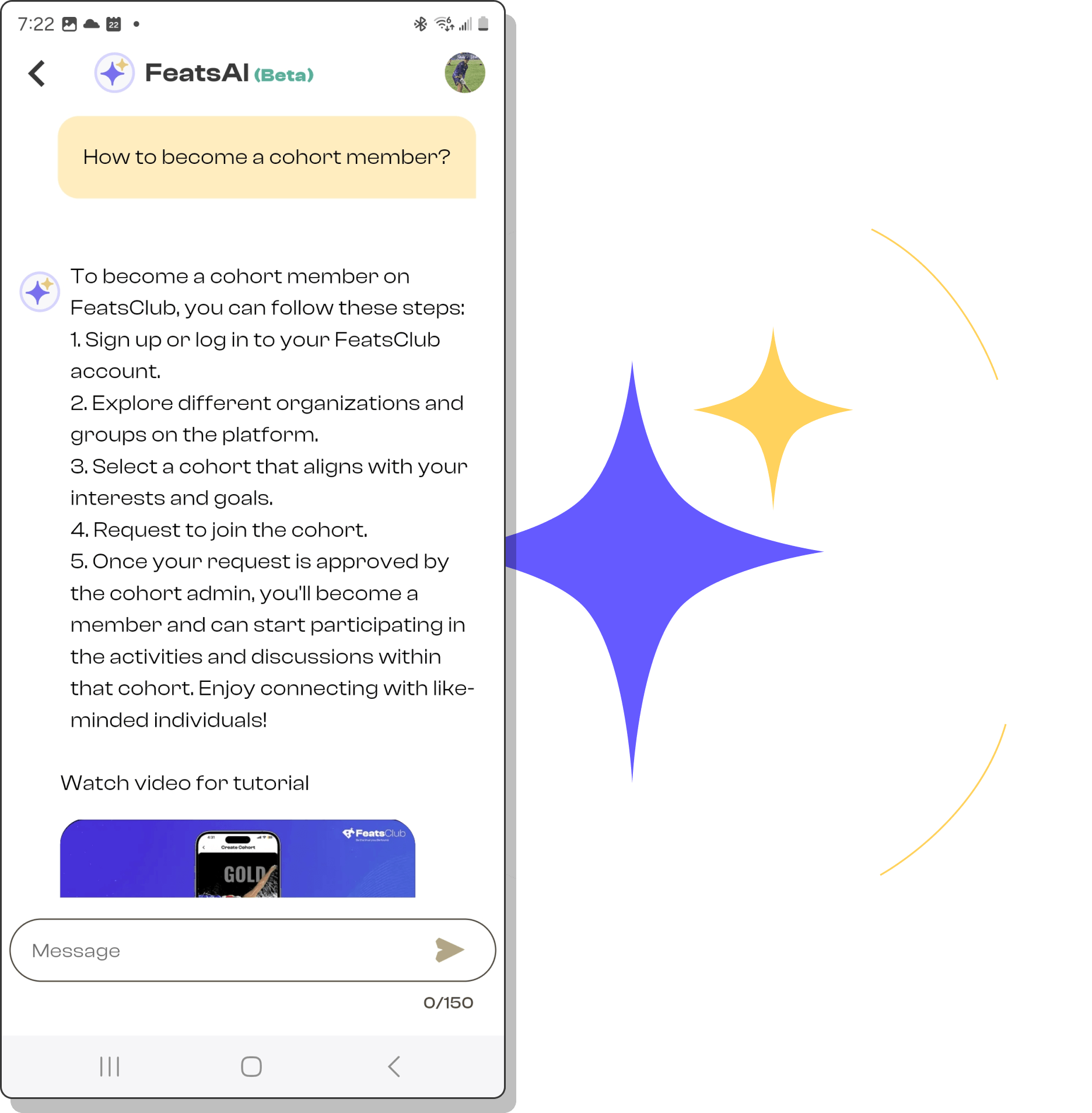
Effortlessly navigate FeatsClub with Feats AI. Supporting individuals and organizations in extracurricular and community service needs.
Answers to common questions about contacting us, your account, and your data.
FeatsClub is developed by a Delaware registered corporation. For details about the team driving the FeatsClub platform, visit their About page. You can contact the team for product questions or queries at contact@featsclub.com, and for product support, data misuse reports, bug reports, or other issues at appsupport@featsclub.com.
FeatsClub provides a product assistant called Feats AI on the homepage where users can click to ask any product-specific questions. Additionally, for direct contact with developers regarding product support or to report issues, users are encouraged to email appsupport@featsclub.com. Please include the email used to set up your account, your question, and any additional details such as screenshots or documents that can assist FeatsClub in promptly resolving the issue.
FeatsClub only offers an option to delete your account, not temporary deactivation. To delete your account, go to Settings in the FeatsClub app drawer menu and then Account Management. There, you will find an option to delete your account.
When a user deletes their account, FeatsClub deletes all their data permanently, and it cannot be recovered. Users will receive an explicit warning to confirm the deletion before proceeding. After deletion, only the unique user ID associated with the account and the deletion time are stored for record-keeping and handling any queries.
To reset your password for the FeatsClub app, go to the login page and look for the “Forgot Password” link. Click that link and follow the instructions to reset your password. If you have any trouble, feel free to contact FeatsClub support at appsupport@featsclub.com from your FeatsClub registered email.
Right now, the only language supported on the FeatsClub platform is English. However, stay tuned for further updates as this can change in the future!